
Latest Version
Microsoft Corporation
Communication
Windows
Free
9wzdncrd29v9
Report a Problem
More About Microsoft 365 Copilot
An AI-First Approach to Modern Work
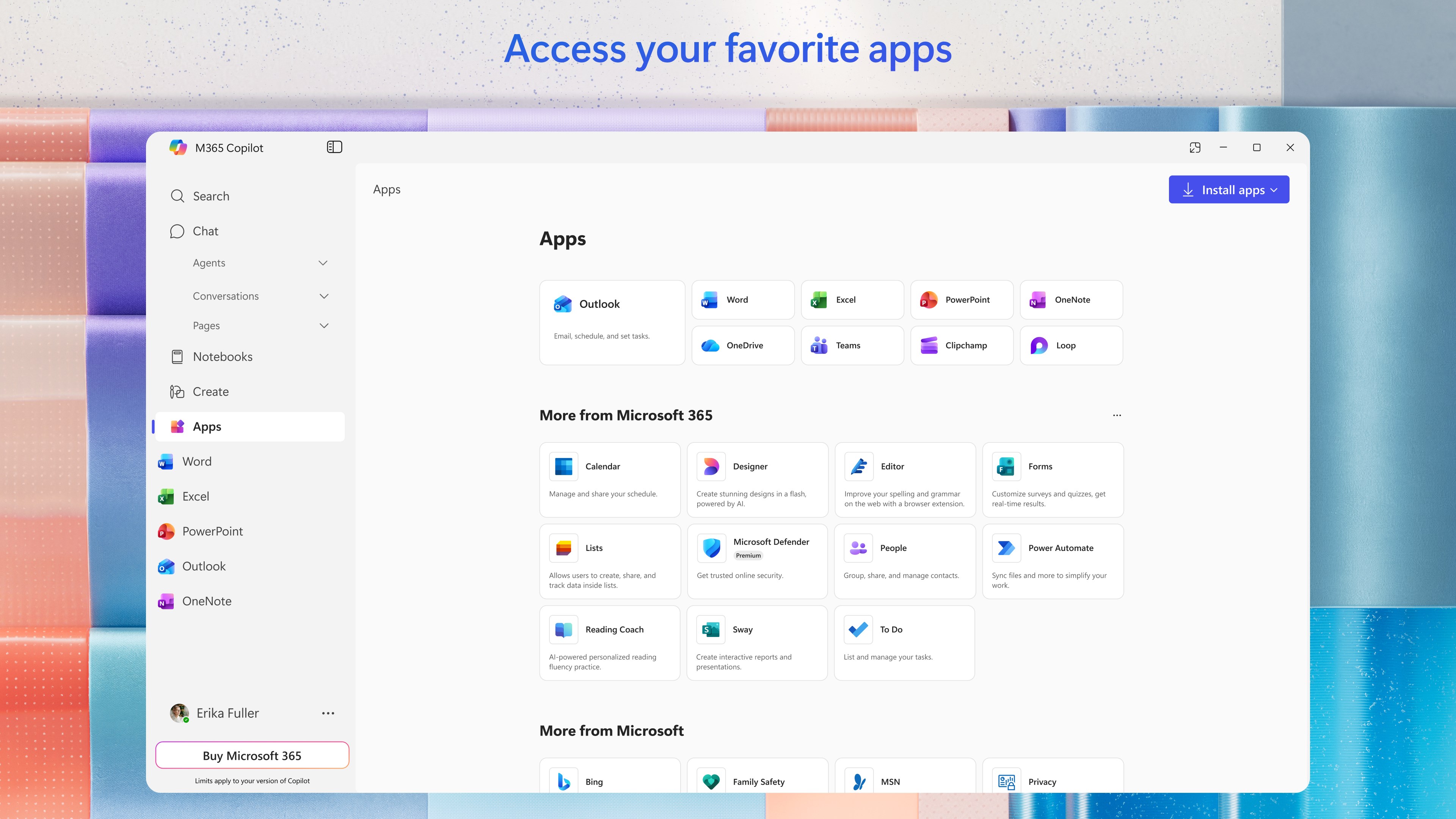
The Microsoft 365 Copilot productivity app completely redefines how we manage our daily workflows, offering a unified hub that integrates intelligent assistance directly into your digital environment. Developed by Microsoft Corporation, this Windows-compatible tool acts as a centralized command center where you can seamlessly interact with artificial intelligence, retrieve misplaced documents, and generate high-quality content without switching between disconnected applications. Rather than forcing you to dig through endless folders, it leverages natural language processing to bring order to your professional and personal life.
How the Microsoft 365 Copilot Productivity App Enhances Efficiency
At its core, this software is designed to minimize friction. By consolidating your communication, organization, and creation needs, the Microsoft 365 Copilot productivity app serves several critical functions:
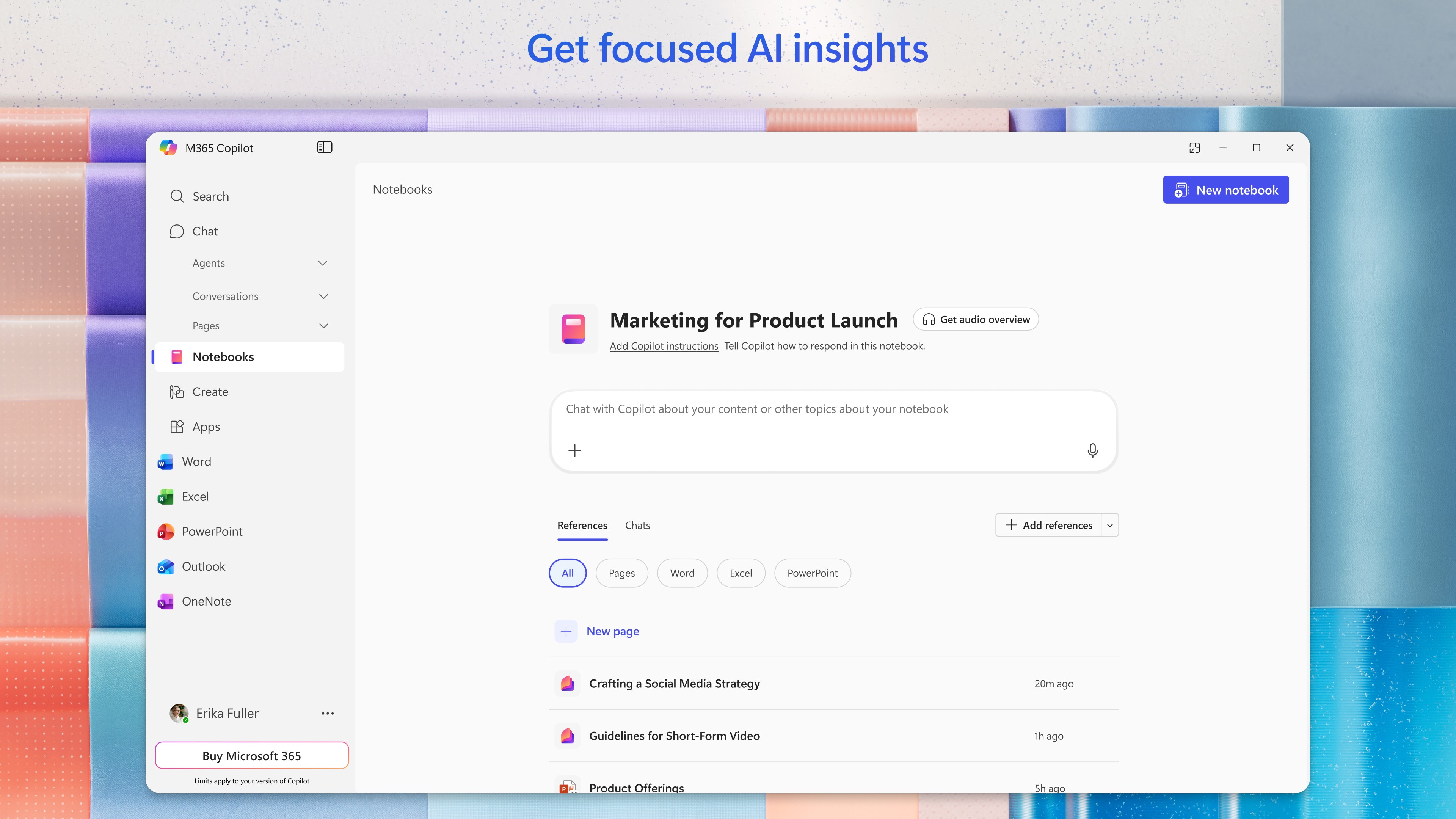
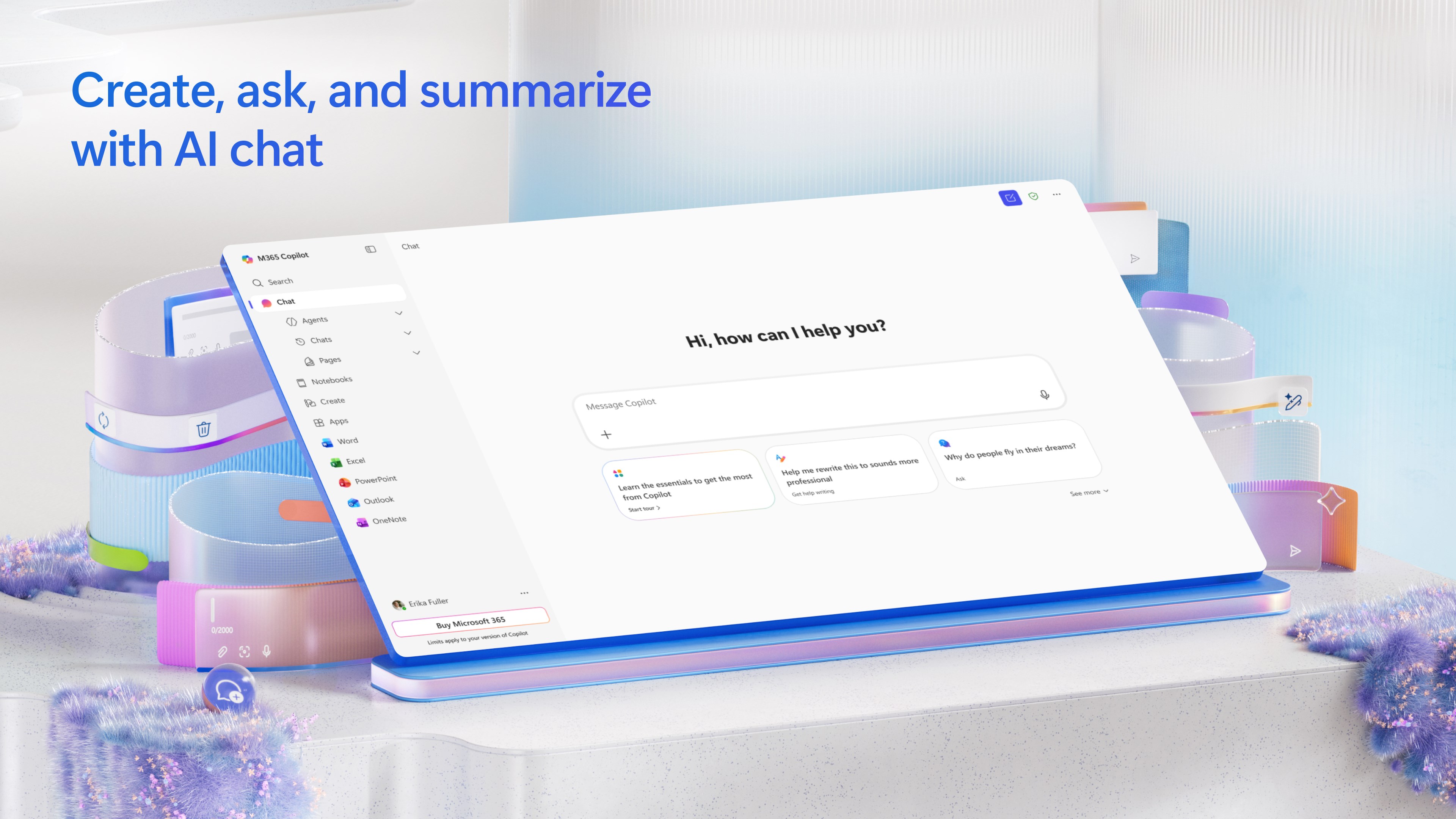
- Intelligent Conversations: Ask the AI assistant to summarize lengthy documents, extract key trends from complex spreadsheets, or draft professional emails using simple, conversational prompts.
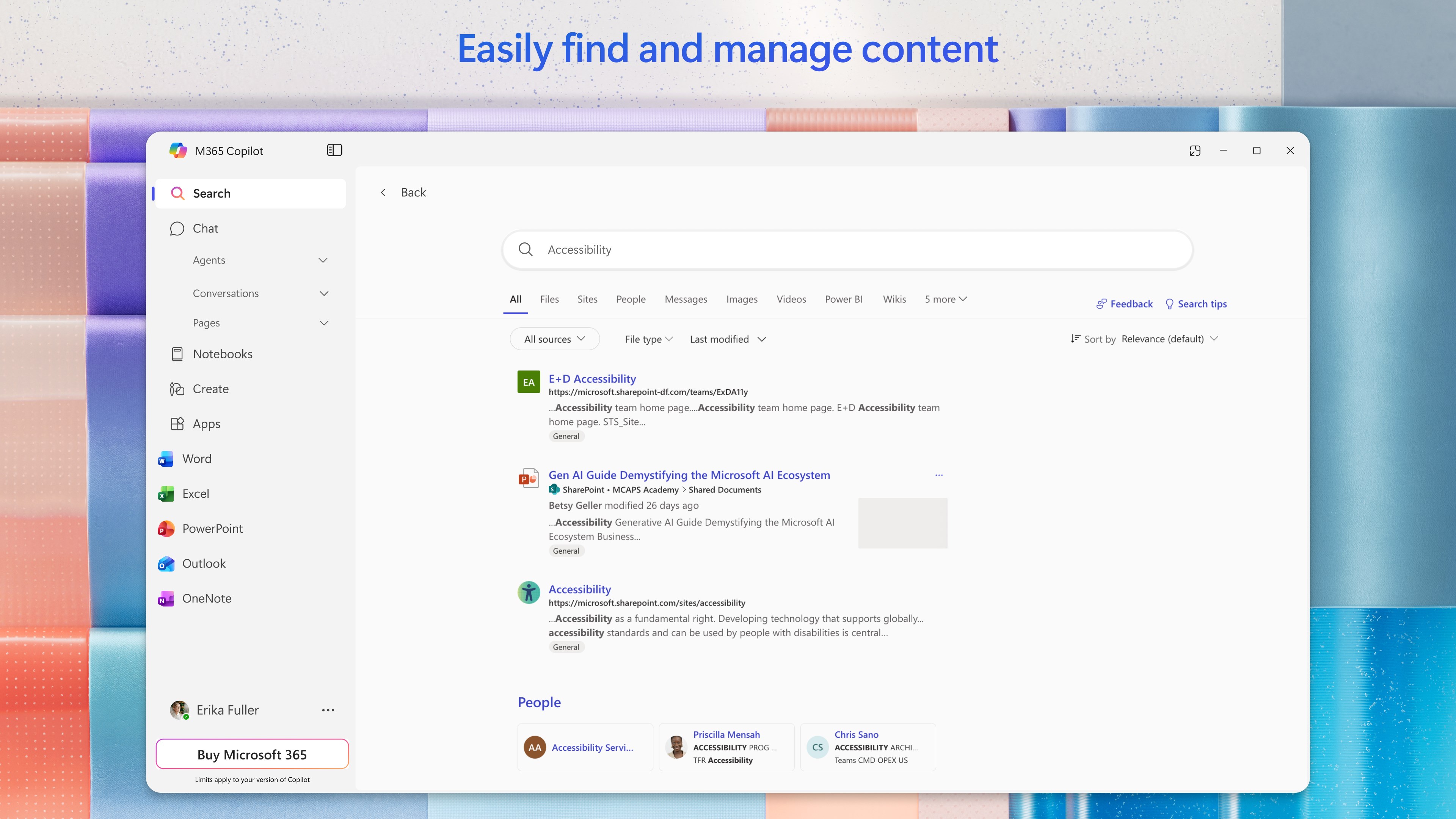
- Deep File Retrieval: Instantly locate files across your ecosystem, whether it is a strategy deck from last month, an email attachment, or a specific family photo.
- Advanced AI Agents: Deploy specialized built-in agents like Researcher and Analyst to compile comprehensive reports and evaluate complex datasets automatically.
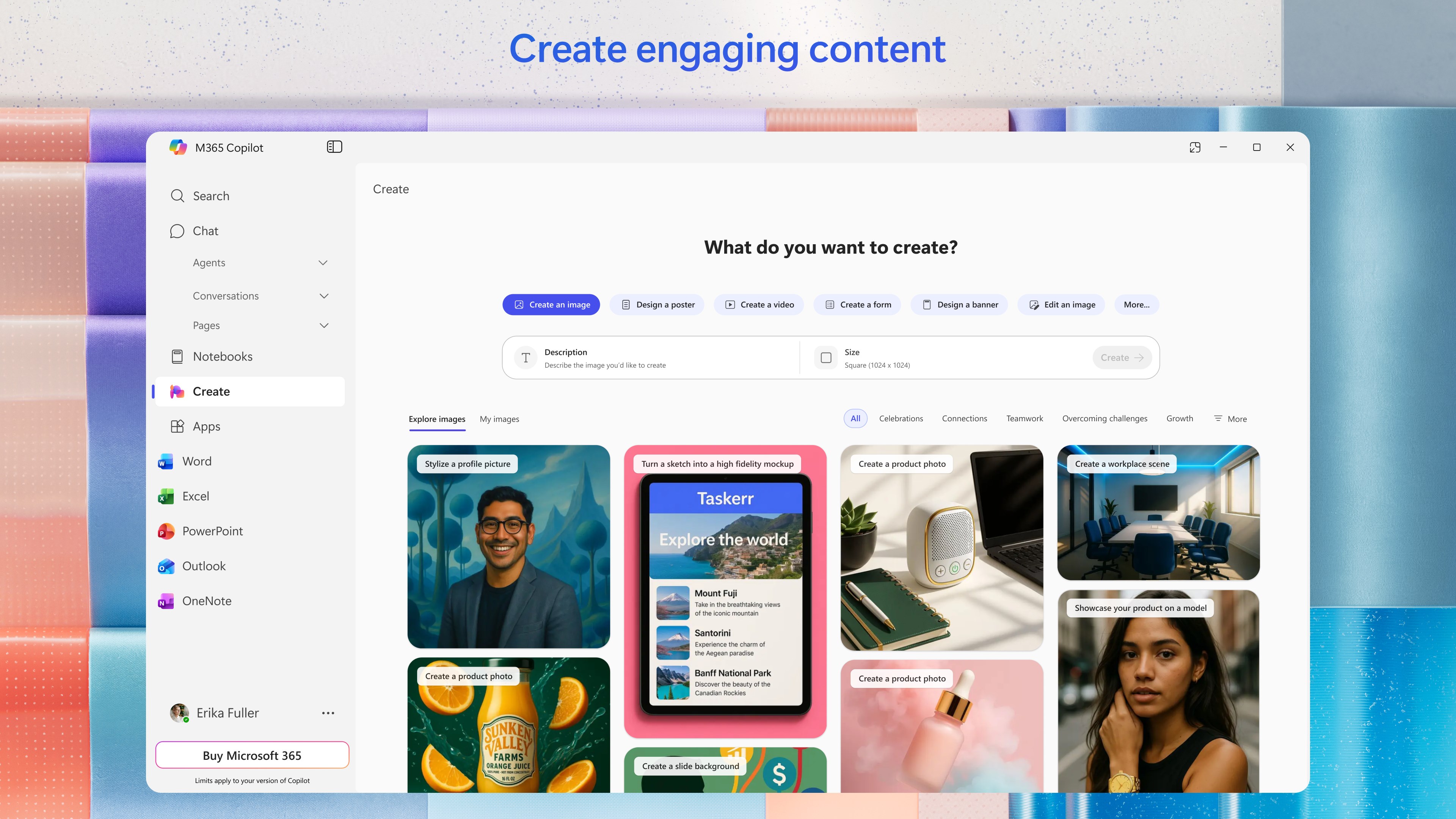
- Creative Content Generation: Design polished visual assets, posters, banners, and videos using intuitive templates and editing tools.
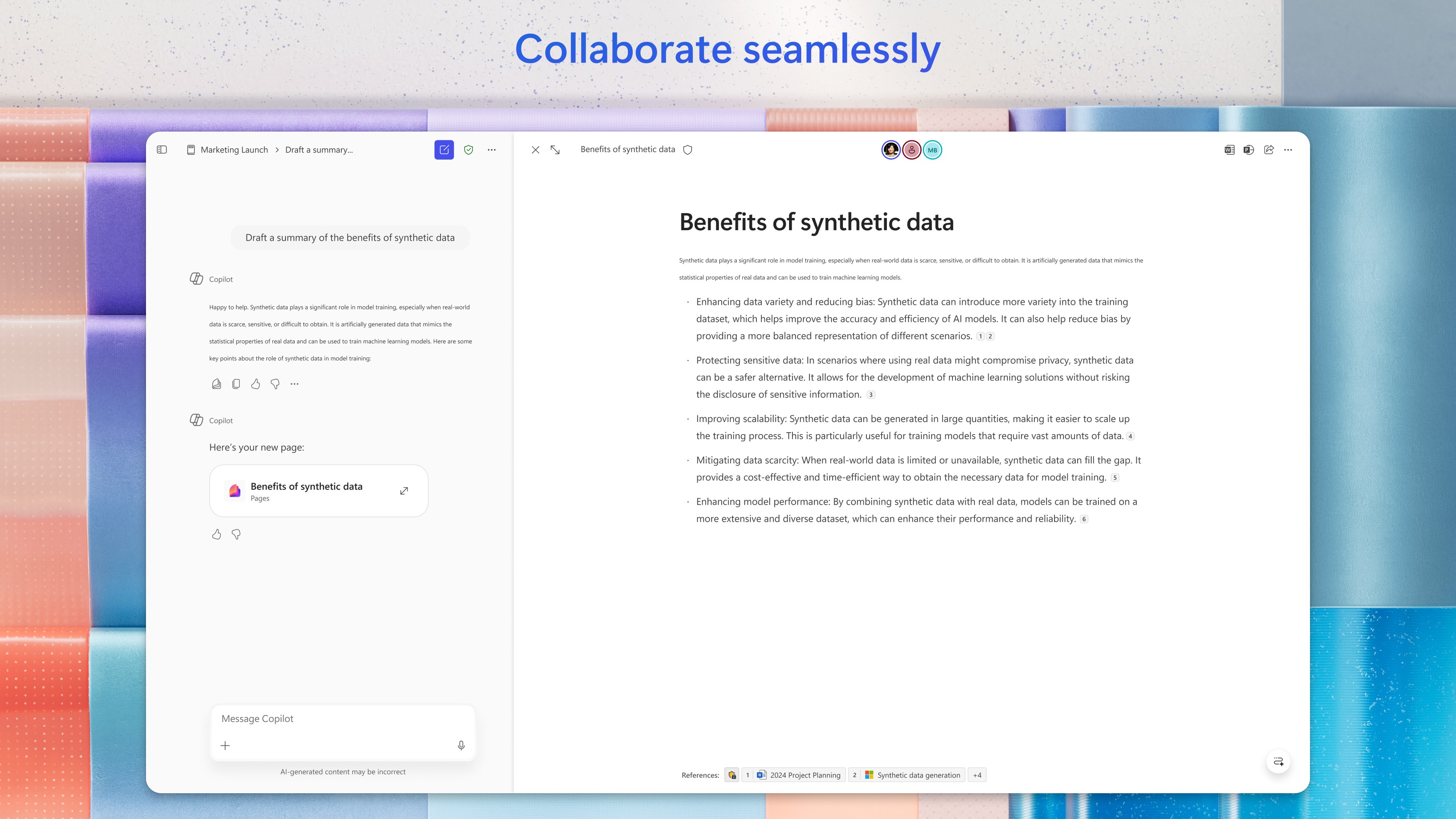
- Collaborative Workspaces: Convert any ongoing AI conversation into a live, editable Page that you can share and co-author with teammates in real time.
- Voice Interaction: Brainstorm ideas and plan your daily schedule completely hands-free using natural voice commands.
Who Is This AI Workspace For?
Whether you are a professional analyzing business data, a student organizing lecture notes, or a home user looking to streamline personal projects, this application adapts to your needs. By supporting personal, school, and corporate Microsoft accounts, it bridges the gap between enterprise-grade utility and everyday organization. It is especially valuable for those already embedded in the Microsoft ecosystem who want to maximize their output through a single, cohesive AI interface.
Access the Official App
If you are ready to elevate your daily workflow, you can explore this innovative assistant further. To see how it fits into your routine, head over to the official Microsoft Store to get started with the Microsoft 365 Copilot productivity app today.
Rate the App
User Reviews













Popular Apps










Editor's Choice